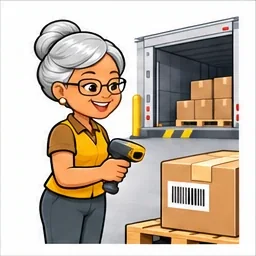
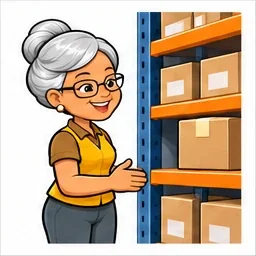
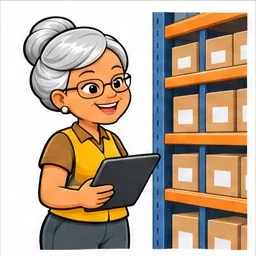
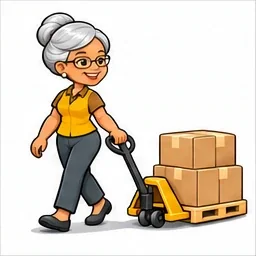
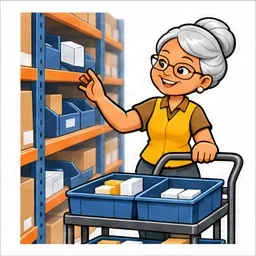
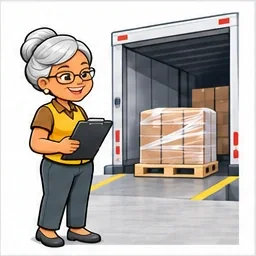
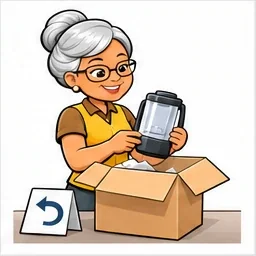
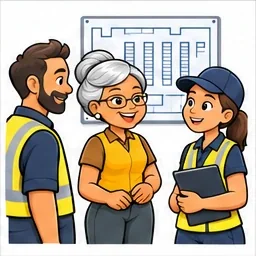
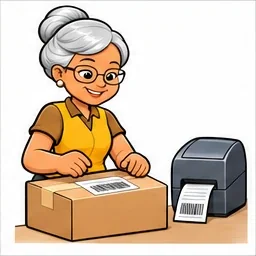
A delivery at the dock, an urgent order, a colleague on their first day: let’s take things in the right order. With wms.mom, the tasks for your role are on your phone, from receiving to departure.
At the dock, beside a bin or next to a shipment, your phone is your way into the warehouse system. Open the browser, find your task and confirm the work where it happens.
1
See the right product.
Keep the product reference, pack size and quantities in view.
2
Confirm the right action.
Receive, move, prepare or ship: record the operation you have completed.
3
Help the next colleague pick up the thread.
The team sees confirmed work and remaining tasks, with access matched to each role.
No workspace matches this search. Try “stock”, “order” or “CSV”.
Scenes illustrate the features. Warehouse operations take place in the application. Each person sees the workspaces and actions authorised for their role.
Illustrative layout. The plan links physical places to registered locations.
A shared reference for the team
“Somewhere” isn’t much of an address.
Draw your zones and racks in 2D and 3D, then link rack positions to locations in the application. A shared reference so everyone is talking about the same place.
How can I organise the warehouse plan?
Draw the floor, zones, racks and obstacles in metres. Adjust their shapes, positions and rotation. The 3D view helps you examine heights and rack levels.
Explicitly link rack positions to locations registered in the application. Measure, undo or redo an edit, then save the plan. You can also export the drawing as an SVG.
The name tells you quite a lot
WMS is the know-how. Mom is the way.
“Everyone had a first Monday. We’ll take it from here together.”
wms
All the work, in its place.
Warehouse Management System: products, quantities, locations and operations come together in one application.
.mom
Common sense, with a smile.
Mom knows how to do plenty of things, and takes the time to make them clear. You bring the know-how; Mom helps you keep track of the work.
Shared know-how. Access for each role. The colleague who knows every aisle and the one starting on Monday use the same products, locations and orders. Each person sees the tasks and actions authorised for their role.
There is time for your questions
Yes, you can ask that.
Phones, a new colleague’s first day, barcodes… Open what interests you. Mom has kept a little room for explanations.
Can I really work from my phone?
Yes. Receiving, stock, preparation and shipping tasks are available in your phone’s browser. You can open the actions for your role, enter quantities and confirm operations. A connection to the application server is needed to view data and save your work.
Do I need to learn all fifteen workspaces to start?
You can start with your task: receiving, finding an item, preparing or shipping. The portal shows the workspaces authorised for your role. The same products, locations and stages give you familiar reference points throughout the software. Your team defines its working methods and supports getting started.
Are the scenes actual application screens?
They are illustrations of warehouse situations. Each scene accompanies the workspace it explains. Quantities and orders shown are examples; the application button opens your installed application and its data.
How can I use barcodes?
Codes identify products and pack sizes. You can enter a code or use a reader that sends it as keyboard input. The software also generates A6 product and location labels with Code 128B barcodes. Phone-camera barcode scanning is not built into this version.
Can everyone change stock quantities?
Permissions distinguish viewing, counting, moving and adjusting. An operator can record a count, then another authorised person reviews the difference before an adjustment. Confirmations and reasons remain in the history.
Is Mom an artificial intelligence?
Mom is the mascot and voice of our approach. Warehouse operations work without AI. Optional AI assistance can explain an order, suggest product-record text or help query authorised data. It requires an enabled provider connection and your agreement for each relevant transfer. Your team retains decisions and operation confirmations.
Can I bring in orders from a file?
Yes, using the provided CSV order template. Upload the file or paste its contents, review the preview and correct errors before confirming. Checks identify issues including unknown products, invalid quantities and conflicting references.
Can I work in French and English?
Yes. Both the application and this presentation offer French and English. Use the FR and EN links to change language.
There. Now you’ve met Mom.
Shall we take care of your next working day?
You know your work. Mom helps you keep track of it: the right products, the right quantities and the next steps. Grab your phone and start with your first task.